Security Basics
What Makes a Password Secure in 2026?
January 15, 2026 · 7 min read
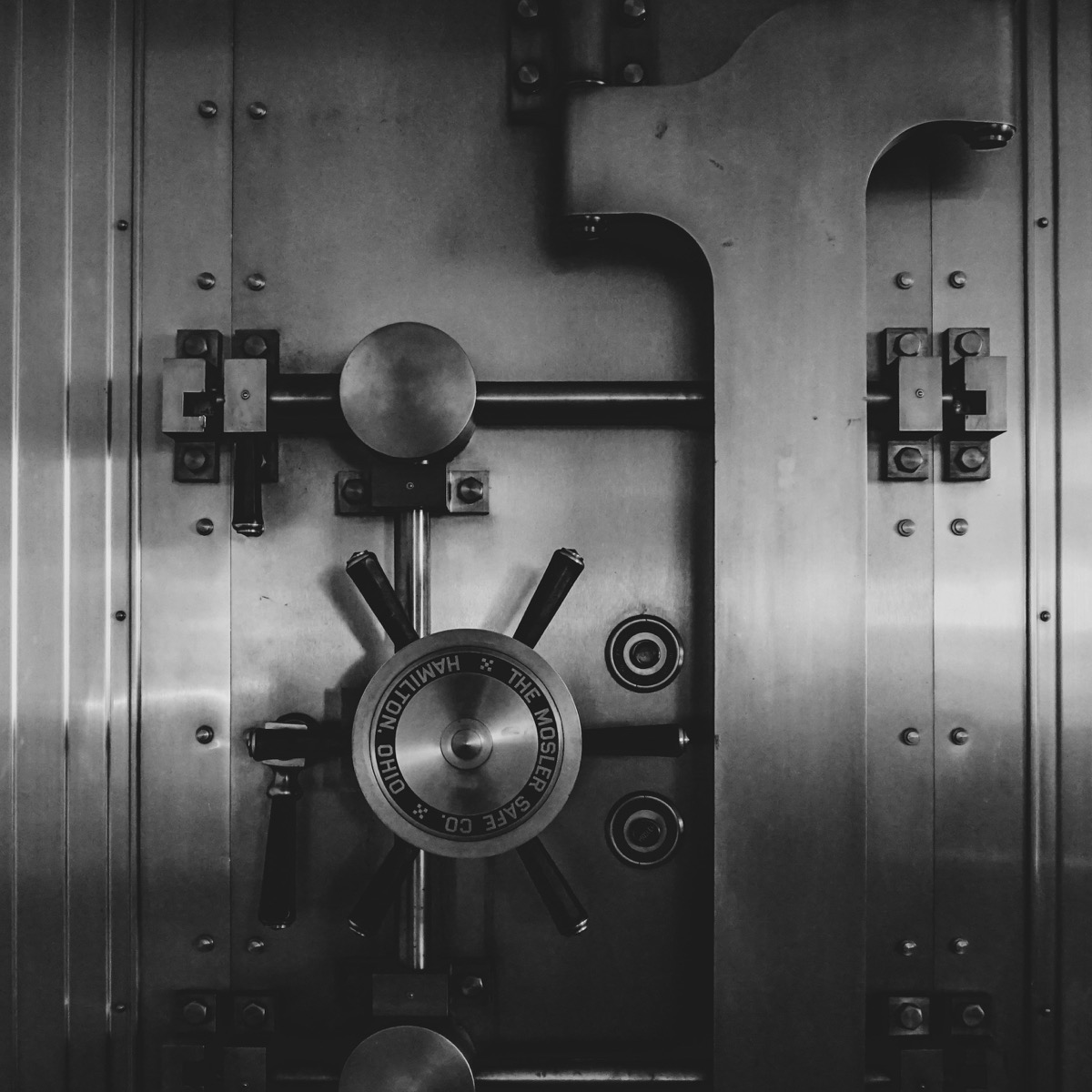
Password advice has changed. Older rules obsessed over symbols, forced rotations, and awkward complexity tricks. Modern attackers do not care whether your password contains one more exclamation mark. They care whether it is predictable, reused, or short enough to crack quickly.
In 2026, secure passwords are built on length, randomness, uniqueness, and good account hygiene. This article explains what that means in practical terms.
Length Matters More Than Cosmetic Complexity
A long password gives attackers a much larger search space. That matters far more than superficial complexity rules such as "one symbol, one number, one uppercase letter."
A 16-character random password is dramatically stronger than a short password with clever substitutions like P@ssw0rd!.
What Modern Guidance Recommends
Current standards increasingly favor long, user-friendly secrets. NIST SP 800-63B-4, published in 2025, requires at least 15 characters for centrally verified single-factor passwords and says services should not impose composition rules such as mandatory symbols or uppercase letters.
There is one important MFA nuance: NIST allows passwords that are used only as part of a multi-factor login to be shorter, but still at least 8 characters. That is a floor for systems with another factor, not a good target for password-manager-generated passwords. If a manager can generate 16, 20, or more random characters, use the longer value.
That is a major shift from the older idea that a password becomes secure because it contains several character classes. Length, blocklists, rate limiting, and safe storage matter more than forcing people into predictable tricks.
Online Guessing vs. Offline Cracking
A secure password has to survive two different situations. In an online attack, the attacker tries to log in through the service. Rate limits, MFA, fraud detection, and account lockouts can slow them down.
In an offline attack, the attacker has stolen a password hash database and can guess without talking to the service. That is much more dangerous. The strength of the password, plus the quality of the password hashing scheme, becomes the main barrier.
Strong Passwords in Real Life
- Use a unique password for every account.
- Let a password manager generate random passwords for stored logins.
- Use 5 or 6 random words for passwords you must memorize.
- Enable MFA on email, banking, and cloud accounts.
- Use our breach test from time to time to see whether important passwords appear in known breach data.
What to Avoid
- Dictionary words with predictable edits
- Birthdays, names, pet names, and keyboard patterns
- Reusing one password across multiple services
- Short passwords that rely on symbols to feel strong
Username Hygiene Matters Too
Passwords are only one side of the login pair. A reused username can make account linking, credential stuffing, impersonation, and targeted phishing easier, especially when it contains your real name, birth year, company, or favorite handle.
Use your real name where accountability matters, such as work, professional services, banking, or government accounts. For forums, gaming, newsletters, shopping accounts, and privacy-sensitive services, a separate neutral username can reduce easy cross-site tracking.
You can create a high-entropy handle with our random username generator when privacy matters most, or choose a more readable adjective-noun style with the composite username generator when the name still needs to be memorable.
Do not put recovery information into the username itself. Avoid birth years, employer names, locations, phone fragments, and the same public handle you use on social media. If the service also lets you use an email alias, pair the neutral username with an alias so both sides of the login are less reusable.
Recommended Lengths
For ordinary online accounts stored in a manager, 16 to 20 random characters is a strong default. For high-value accounts like email, banking, or admin access, 20 or more characters is sensible. For a deeper look at why those numbers work in 2026, see how long a password should be.
For a master password or a memorized login, 5 to 7 random words is usually the best balance between usability and security. You can create one with our passphrase generator.
Generated Passwords vs. Memorized Passphrases
For accounts stored in a password manager, use generated random strings. You do not need to remember them, so there is no reason to make them human-looking.
For the few secrets you must remember, use a passphrase made from randomly selected words. The words should be chosen by a random process, not by a sentence, quote, song lyric, or personal story.
If you are not comfortable relying on automated randomness in the browser, you can still build a memorized passphrase in a fully transparent way: roll physical dice and look up each word from a printed list. Alternatively, use our Diceware manual roller to type each five-digit roll yourself—everything stays local in your browser, but you choose every throw.
Use a Password Manager
For most people, a password manager is the practical center of password security. It lets every account have a different random password, removes the need to invent patterns, and makes password reuse much easier to eliminate.
If you already live inside one ecosystem, the built-in managers are often the easiest starting point: Apple Passwords or iCloud Keychain for Apple users, and Google Password Manager for Chrome and Android users. Ease matters, because the manager you actually use is better than the perfect one you abandon.
If you need stronger sharing, cross-platform workflows, family or team features, or more control, look at dedicated managers such as Bitwarden, 1Password, Proton Pass, Dashlane, Keeper, or the local/open-source KeePassXC approach. The right choice depends on whether you value convenience, sharing, self-hosting, offline storage, or enterprise administration.
One caution: password managers are high-value security software, so they also deserve scrutiny. In Zero Knowledge (About) Encryption, Scarlata, Torrisi, Backendal, and Kenneth G. Paterson analyzed several cloud password managers under a malicious-server threat model and found attacks against design details such as integrity, metadata binding, sharing, and recovery flows. The researchers explicitly say not to stop using password managers; the lesson is to keep the manager updated, enable MFA or passkeys on the manager account, use a strong master password, and prefer vendors that respond transparently to cryptographic audits.
When Should You Change a Password?
Periodic password rotation is mostly outdated advice. Changing passwords every 30, 60, or 90 days often pushes people toward weaker patterns such as Summer2026! followed by Autumn2026!.
Change a password when there is a reason: it was reused, it appeared in a breach, you shared it, you typed it into a phishing page, malware may have captured it, or the service tells you the account was affected.
Passwords Are Not Phishing-Resistant
A long random password is still a password. If you type it into a convincing phishing site, the attacker can capture it. That is why high-value accounts should use MFA, and where possible, passkeys or hardware security keys.
Think of a strong password as one layer. It should be unique and hard to guess, but it should not be the only protection for email, banking, cloud storage, admin panels, or developer accounts.
The 2026 Rule of Thumb
Do not try to outsmart attackers with clever patterns. Use longer secrets, make them unique, remove guessable structure, and store them in a password manager.
The simplest accurate rule today is this: generate random passwords for stored accounts, use random-word passphrases for the few secrets you memorize, and replace anything reused or leaked.
Generate a stronger password
Use our generator to create a long, random password that matches modern security guidance.
Generate Secure Password