Passwordless Authentication
How to Keep Passkeys Strong: A Practical Checklist
September 8, 2026 · 6 min read
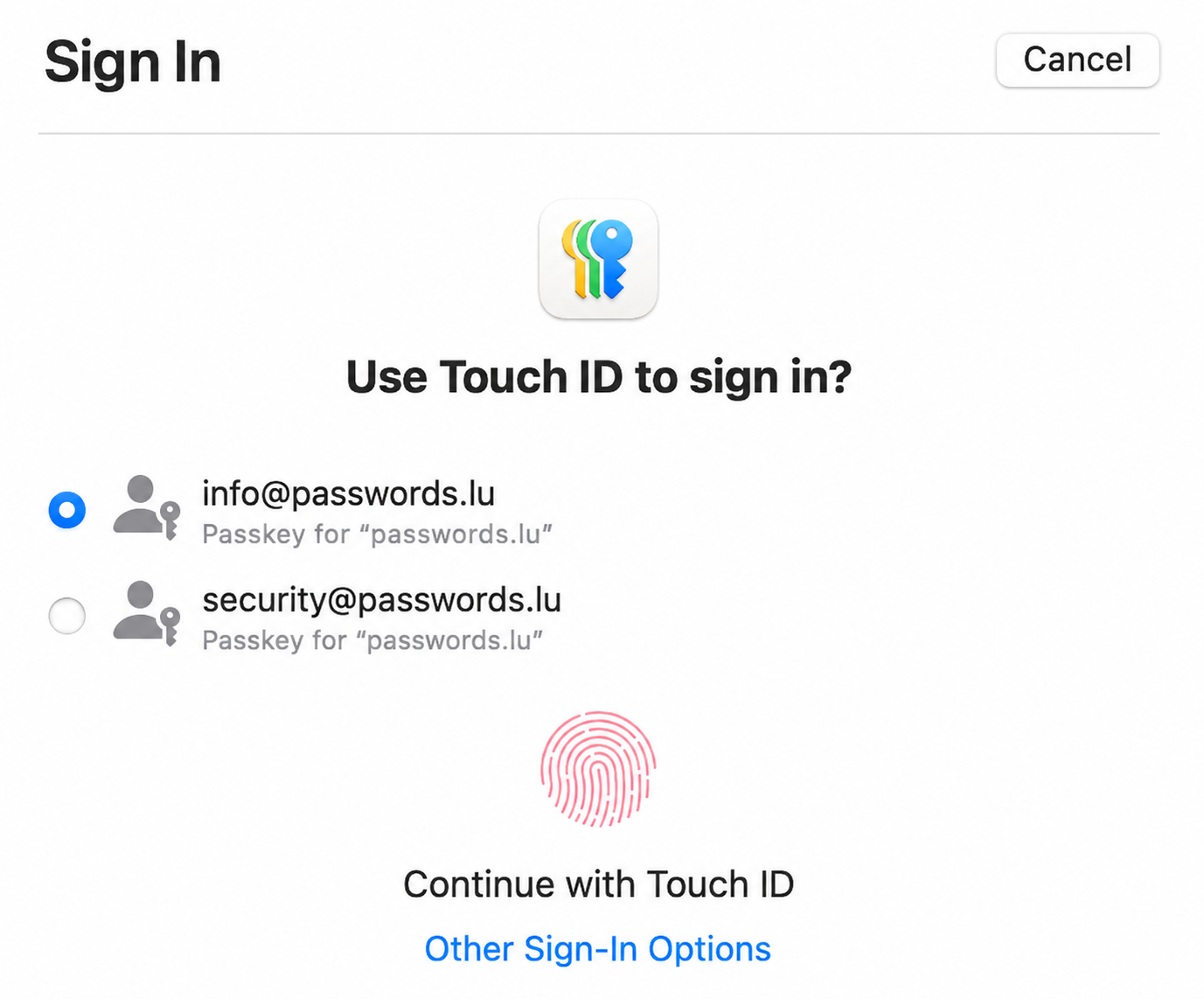
Passkeys are stronger than traditional MFA against common attacks, but the benefit is not automatic. It depends on device hygiene, authenticator choice, sync fabric protection, backups, and what relying parties implement. The UK NCSC paper comparing traditional credentials and FIDO2 for personal use (23 April 2026) spells out those conditions clearly.
This checklist turns that guidance into concrete steps for users and sites. For the basics, start with our passkeys authentication guide. For deeper context, see sync fabric risks and device-loss recovery.
Passkeys Are Strong Crypto Wrapped in Choices
FIDO2 / WebAuthn credentials use public-key cryptography bound to the real website origin. The private key stays in the authenticator or a protected sync fabric; the site only sees a signature over a challenge. That design resists adversary-in-the-middle phishing that still defeats SMS, TOTP, push, and email OTP.
Strength is not free. You still choose which authenticator to use, whether credentials sync, how the sync account is protected, whether a second key exists, and whether the site closes XSS and recovery loopholes. Treat passkeys as strong crypto wrapped in operational choices—then make the good choices deliberately.
User Checklist — Prefer Passkeys; Password + Strong MFA Otherwise
Prioritize accounts that unlock everything else: email, password manager, banking, cloud, and developer consoles.
- Prefer a passkey or security key wherever the service offers one.
- Where passkeys are missing, use a unique long password from a manager plus the strongest MFA available—avoid SMS as the primary second factor when a better option exists.
- Watch for MFA downgrade UX (“sign in another way,” password reset, SMS instead of passkey) and refuse weaker paths when a passkey is enrolled.
- Review recovery options so “forgot password” cannot silently erase phishing resistance.
Choose a Credential Manager That Uses OS/Hardware-Backed Storage
Where malware resistance matters—especially on desktop—prefer credential managers and platform authenticators that store secrets in OS-integrated or hardware-backed storage rather than only in a software vault process.
First-party Apple, Google, and Microsoft fabrics typically integrate with platform security. Third-party managers vary: check whether passkey enrollment requires MFA and whether secrets benefit from secure enclave / TPM-backed storage. Product defaults matter as much as marketing claims.
Protect the Sync Fabric with Phishing-Resistant Auth + Solid Recovery
Synced passkeys inherit the trust model of the account that backs them up. Harden that fabric the way you would harden email recovery. See also our deeper note on sync fabric risk.
- Turn on a passkey or hardware FIDO key for the vault / platform account itself whenever the product allows it.
- Prefer fabrics that require MFA to enroll or sync credentials—not only optional MFA after the fact.
- Document recovery before you need it: recovery codes, trusted devices, or account-recovery flows you understand.
- Treat unexpected prompts to re-authenticate the sync account as hostile until proven otherwise.
Back Up Single-Device / Hardware Keys (Register a Second Authenticator)
Device-bound credentials and hardware security keys cannot sync. If the only enrolled authenticator is lost, you fall into per-site recovery—or lockout. The practical rule: register a second authenticator while everything still works. More on availability trade-offs in our device-loss article.
- Enroll a backup security key or a second device-bound credential for high-value accounts.
- Alternatively, keep a synced passkey alongside a hardware key so loss of one path does not mean lockout.
- Do not wait until the bag is gone—backup registration is a day-one task.
Keep Device and Browser Clean (Malware, Malicious Extensions)
Passkeys reduce phishing, but malware on the device can still steal sessions, overlay UI, or abuse unlocked authenticators. Browser extensions with broad permissions are a common weak link.
- Keep OS and browser updates current; remove unused software.
- Install extensions only from trusted sources; audit permission grants regularly.
- Prefer locking the authenticator with a PIN / biometric and locking the screen when you step away.
- Treat unexpected “approve this sign-in” prompts as a compromise signal, not noise.
Site-Side Checklist
Relying parties share responsibility. Strong user habits do not compensate for weak origin handling, XSS, or irreversible credential storage.
- Unify origin / Related Origin Requests: keep authentication on a clear primary origin; use Related Origin Requests carefully when multiple legitimate hosts must share credentials.
- CSP + Trusted Types against XSS: a stolen session or injected script can undermine even a perfect passkey ceremony. Deploy Content Security Policy and Trusted Types where practical.
- Allow revoking public keys: users and admins must be able to remove a lost or compromised authenticator without waiting for an opaque support ticket.
- Recommend a second passkey for device-bound credentials: if registration is single-device, nudge users to add a backup before day-to-day reliance starts.
Bottom Line
Passkeys stay strong when cryptography, sync protection, backups, device hygiene, and site controls all line up. Skip any one of those and you quietly reintroduce recovery chaos or phishing-adjacent risk.
Use this checklist as a living practice: enroll passkeys on crown-jewel accounts, harden the fabric that syncs them, register a second authenticator for device-bound keys, keep devices clean, and expect sites to revoke keys and resist XSS. Until every service offers passkeys, keep unique strong passwords for the rest.
Protect accounts that still need passwords
Generate a unique strong password for every account that does not offer passkeys yet, then read our passkeys guide so you can upgrade high-value logins when the option appears.